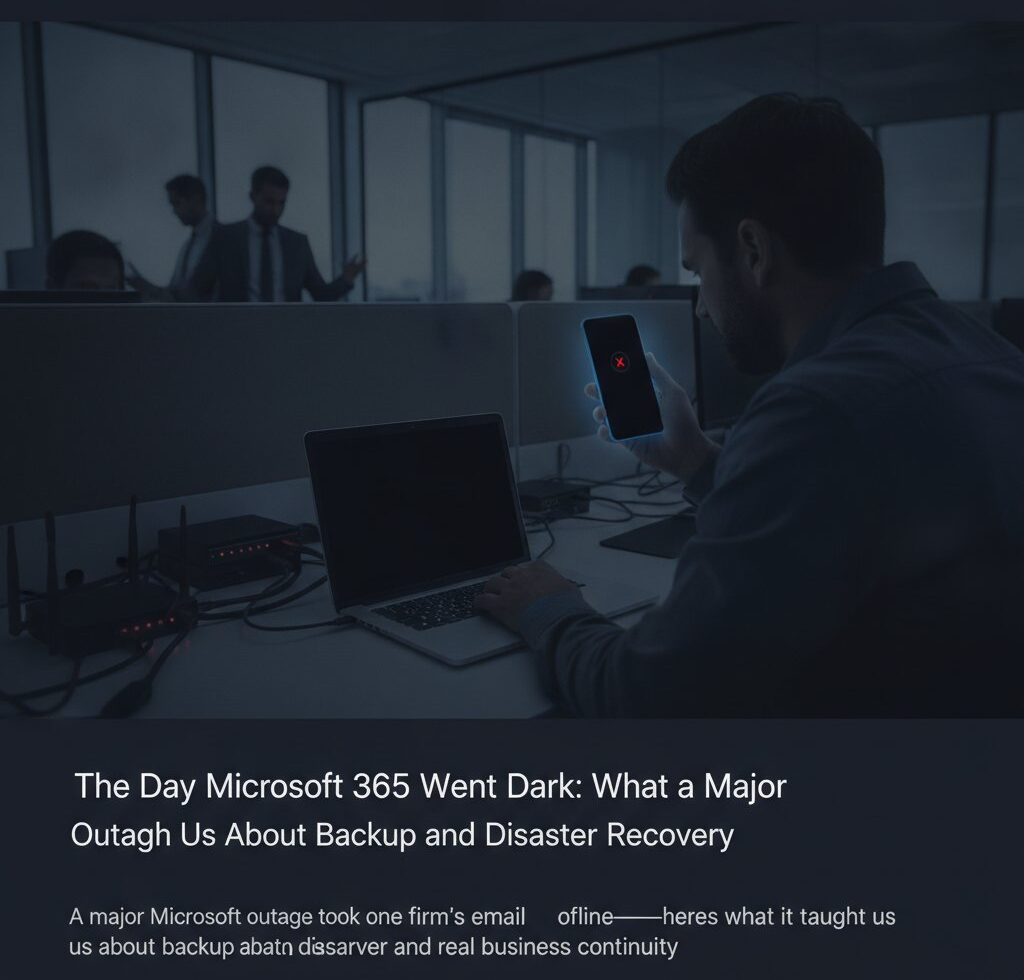
When a major Microsoft outage takes your email and files offline, the hard truth is that backup and disaster recovery is about more than copies of your data—it’s about having a plan for how your business keeps running when a platform you don’t control goes down. Backups protect you from losing information. Business continuity protects you from losing the ability to work. During a recent major Microsoft outage, that distinction stopped being theoretical for one of the firms we support.
The first sign was ordinary: email stopped moving. One of our clients—a professional services firm that lives in Microsoft 365 all day—noticed messages weren’t sending or arriving, and shared files wouldn’t open. There was nothing wrong with their computers, their network, or anything on their premises. The cause was a major Microsoft outage affecting the service itself, far upstream of anything a single business can touch.
That’s the uncomfortable part. When Microsoft 365 goes down at the platform level, no amount of local troubleshooting fixes it. You can’t reboot your way out of it, and you can’t call your way to the front of Microsoft’s repair queue. For a team that depends on email and document access to do its daily work, even a temporary outage turns into a question of continuity: what do people do in the meantime?
What the incident exposed wasn’t a gap in backups—their data was safe. It was the reality that “our files are backed up” and “our team can keep working” are two different promises. A good backup and disaster recovery plan has to answer both.
In the moment, our job was to confirm fast that this was Microsoft’s outage and not a local failure, so the client wasn’t burning time chasing a problem on their own end. That diagnosis matters: knowing it’s upstream tells you to switch to your continuity plan instead of trying to repair something that isn’t broken on your side. We kept the client informed, monitored for restoration, and made sure nothing on their side needed attention once service returned.
The real lesson lives in the preparation. Independent backups of Microsoft 365 data mean a platform problem—or a bad sync, or a deletion—never becomes permanent loss. Just as important is deciding in advance how the team communicates and keeps essential work moving when the primary platform is unavailable, so an outage is an inconvenience rather than a standstill.
No provider, including Microsoft, guarantees a service will never go down. That’s exactly why backup and disaster recovery planning assumes it eventually will. For the regulated firms we work with across South Florida, where email retention and continuity carry real weight, that planning isn’t optional—it’s part of running a serious business.
If you’ve been treating backups as your whole disaster recovery plan, it’s worth a second look before the next outage decides for you. Reach out through our contact page or call us at 561.299.3555, and we’ll walk through where your continuity plan actually stands.